
Your Commissions, Now Just a Tap Away
The LytePay Mobile App is here, giving you a faster, more secure way to access and manage your commissions. Log in with a glance, cash out in a few taps, and never miss an update – all from your pocket.

Everything You Need, Now in the LytePay Mobile App
Access your commissions, cash out, track your cash outs and stay updated, all in one place.
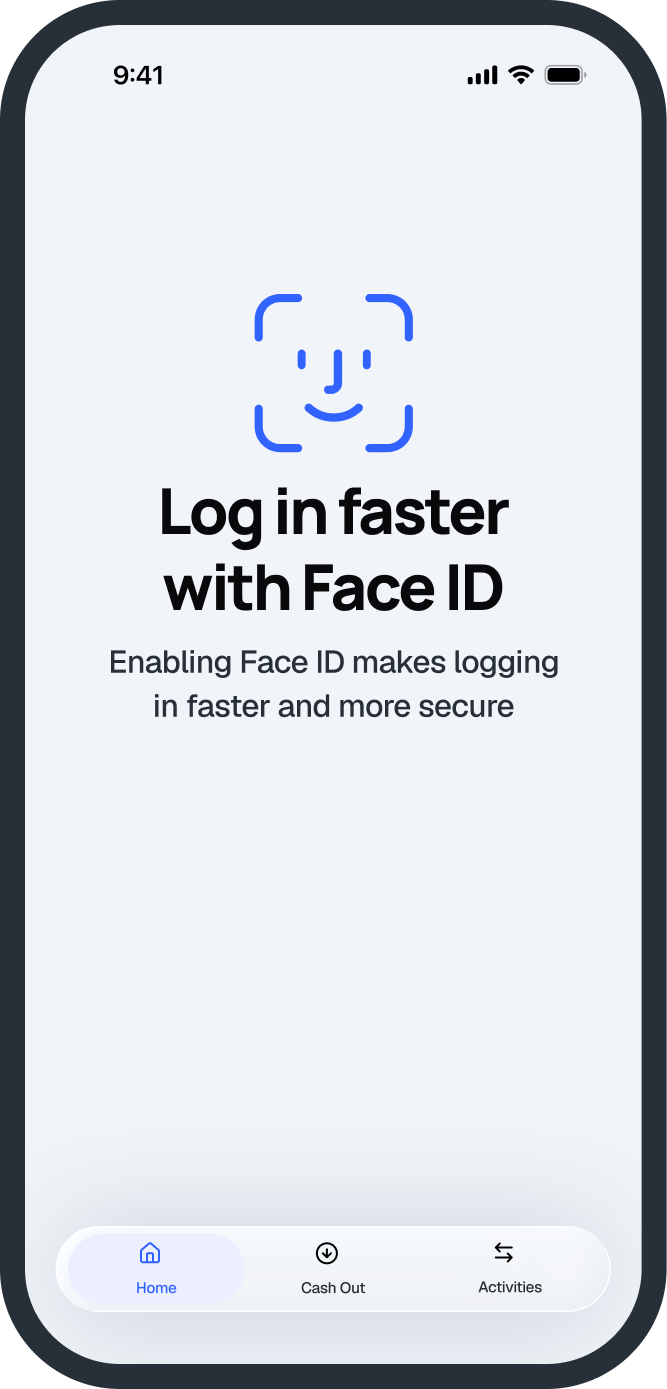
Access Your Commissions in Seconds
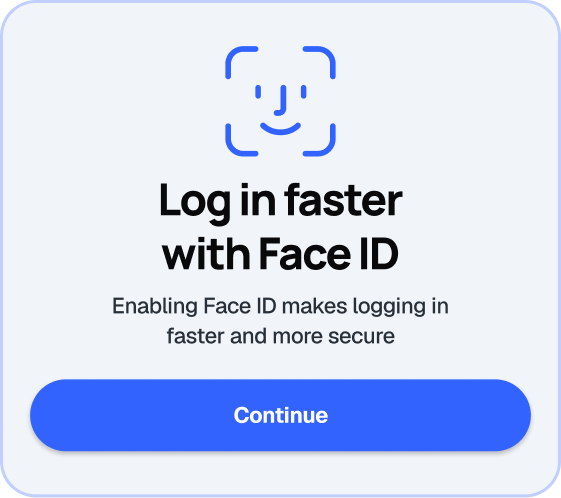
Log in securely with biometric authentication, without having to enter your password every time.
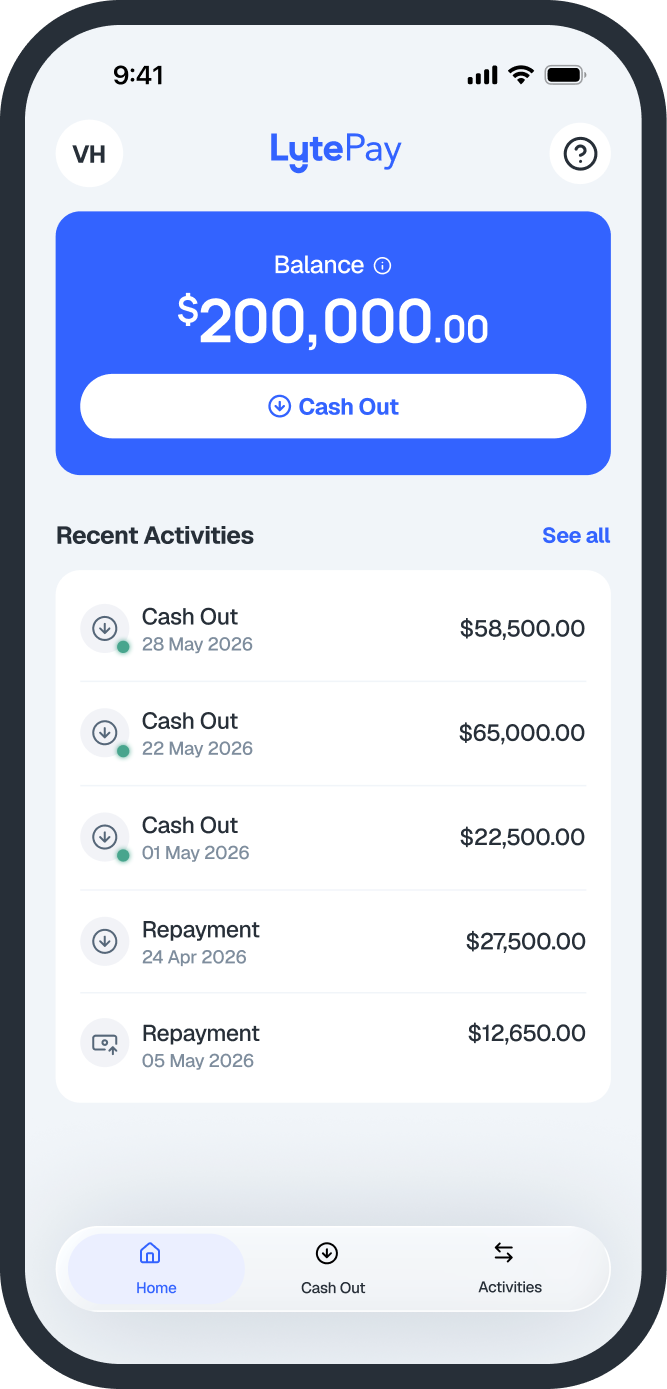
See What’s Available to Cash Out
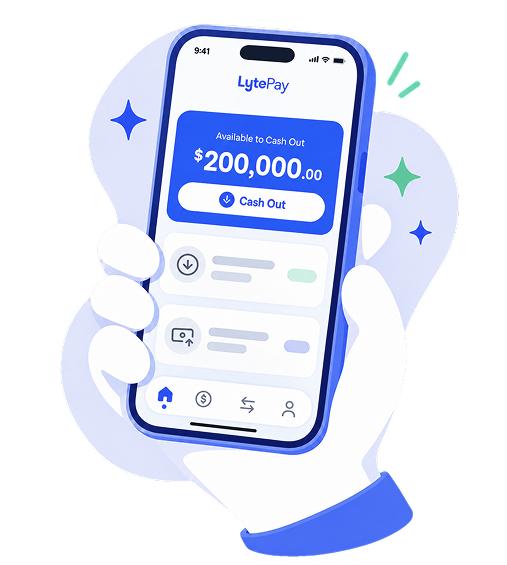
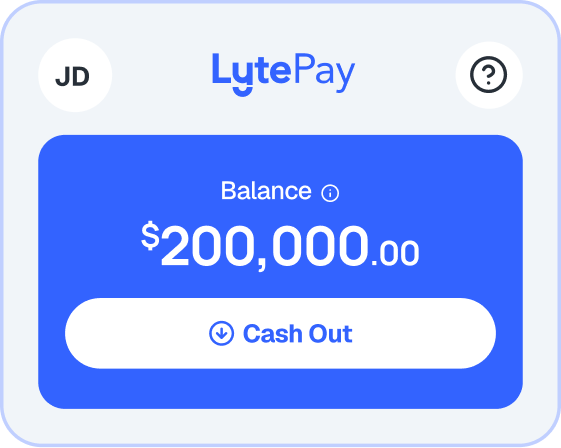
View your LytePay Balance at a glance, so you always know how much commission is available to cash out.
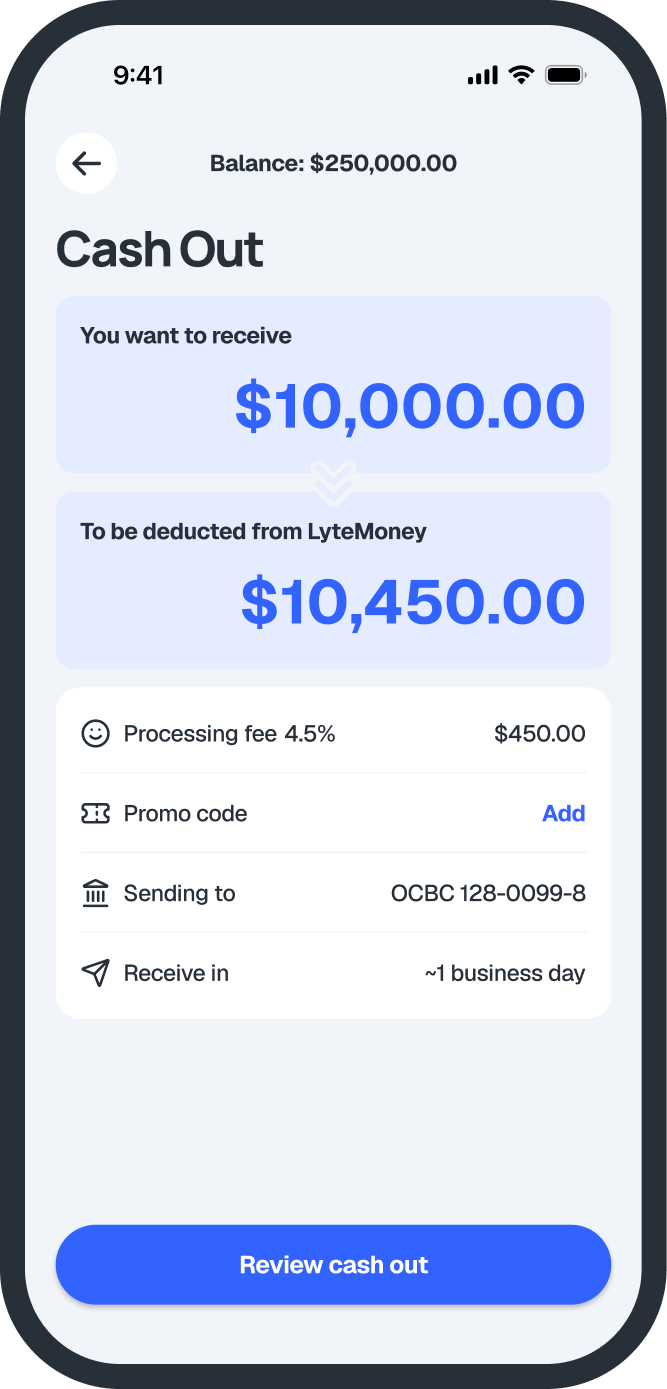
Cash Out in a Few Taps
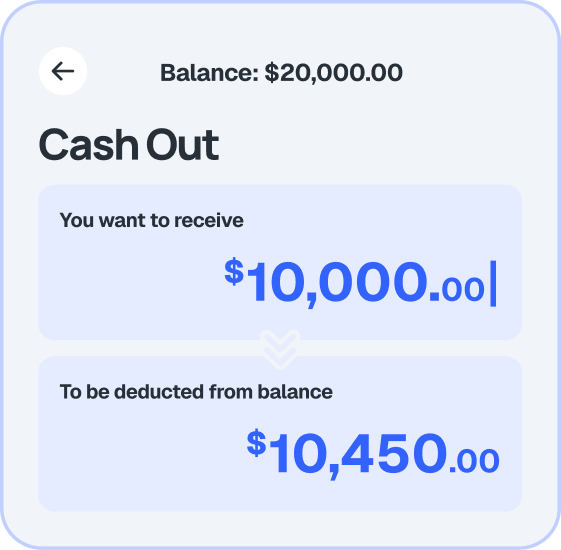
Enter an amount and cash out in just a few taps.
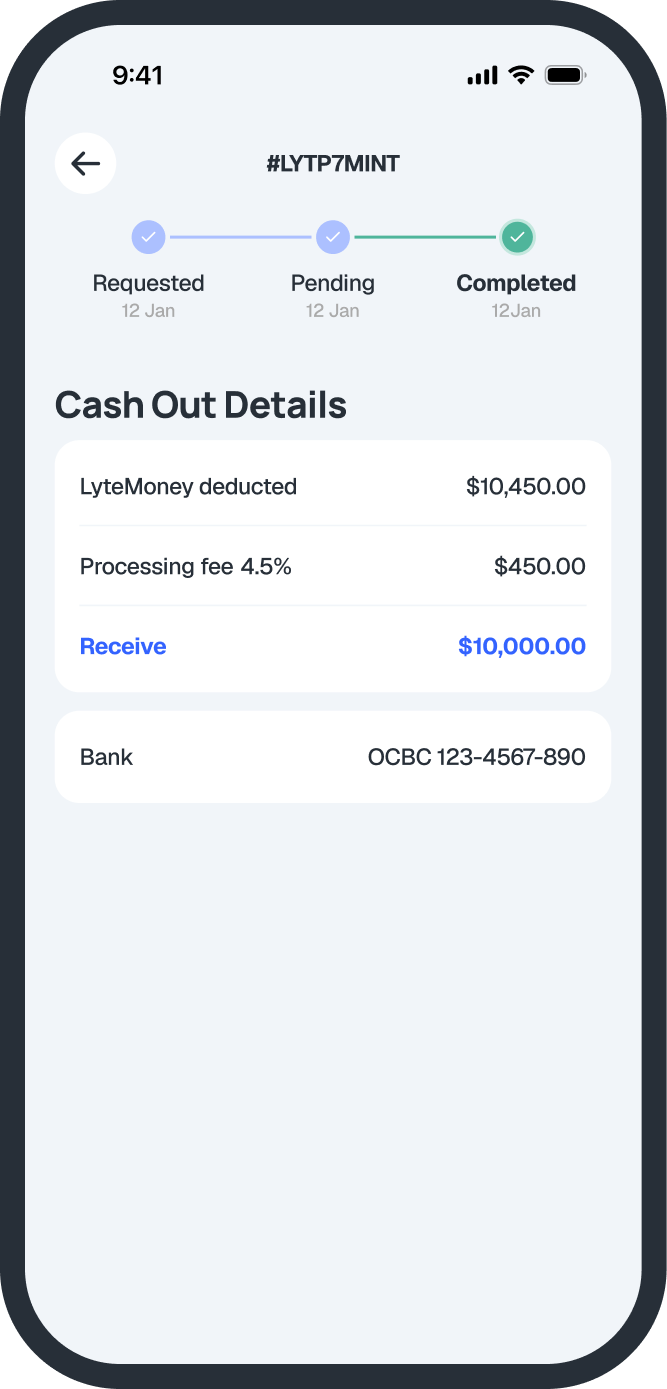
Stay on top of every cash out.
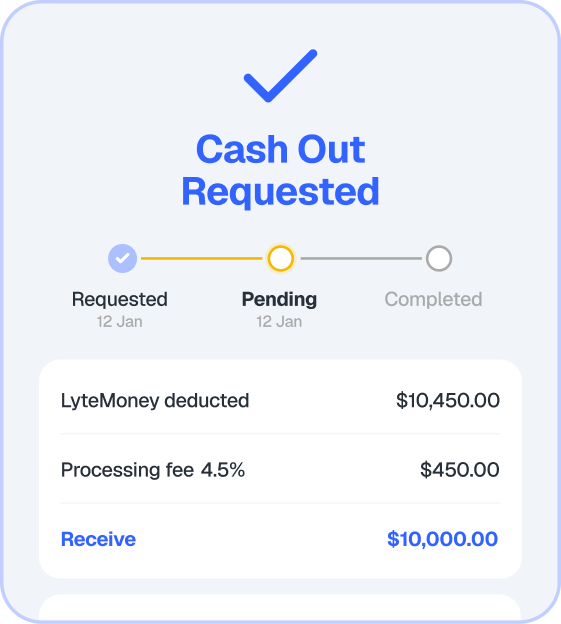
Track the status of your cash outs anytime, anywhere – from request to completion.
Never Miss an Update
Stay updated on the latest promotions, updates, and new features via push notifications.
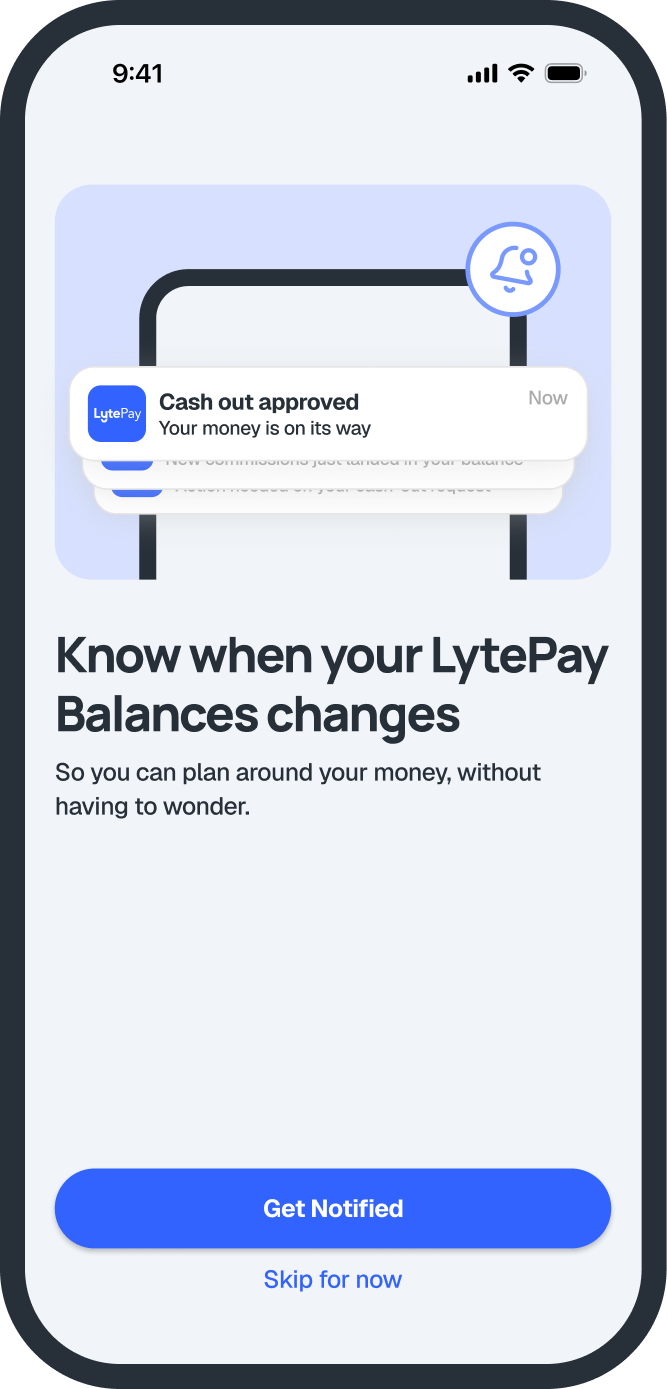
How to Log In
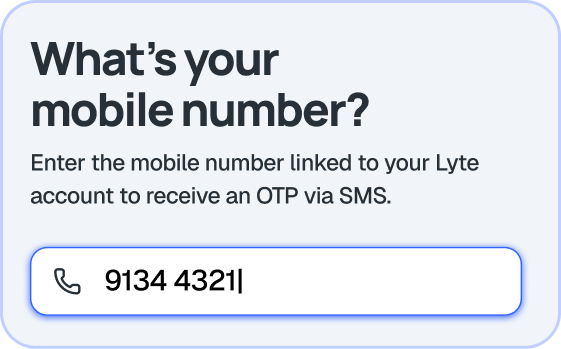
Step 1: Enter your LytePay-registered mobile number
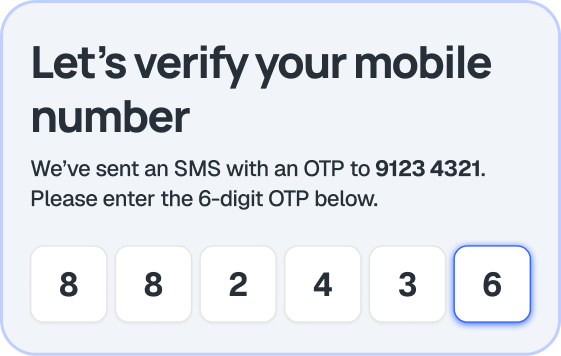
Step 2: Enter the OTP sent to your LytePay-registered mobile number
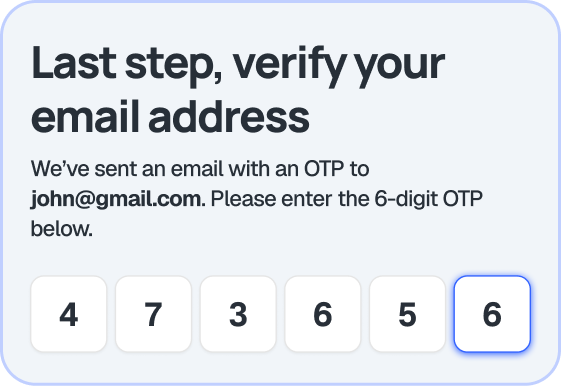
Step 3: Enter the OTP sent to your LytePay-registered email
Step 4: Choose to set up biometric authentication
Step 5: You’re all set!
How to Cash Out
Step 1: Tap on “Cash Out”.
Step 2: Enter the amount you want to receive. The amount to be deducted from your LytePay balance will be calculated automatically.
Step 3: Review and confirm your cash out details.
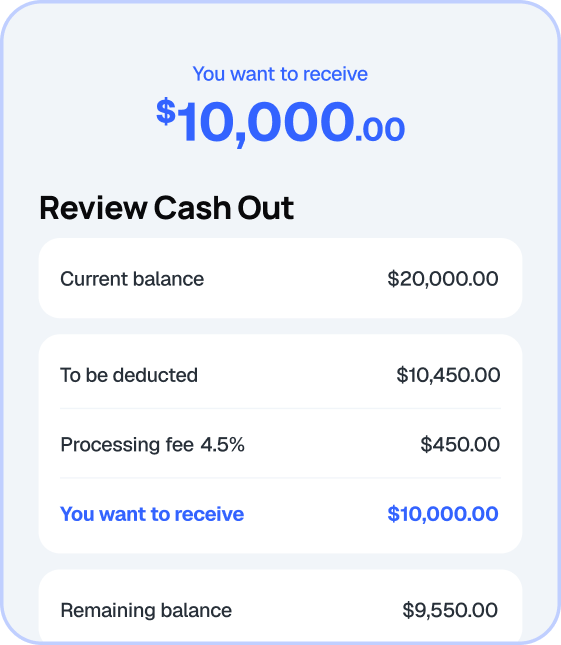
Step 4: Track the status of your cash out within the mobile app, and receive as fast as 1 business day.
Stay tuned for new features on the LytePay Mobile App, giving you even more flexibility over when and how you receive your commissions.
Your commission, on your terms.


